

Download ZOOGABOOG!
ZOOGABOOG! installs on a Windows computer. That's where your team lives and works, so your files and logins stay with you. Then add ZOOGABOOG! to your phone from that computer and run the team from anywhere.

Windows
Start here. Install it on the Windows PC your team will work on.
Download for WindowsWindows may show a blue box the first time. It says "Windows protected your PC". Click More info, then Run anyway. ZOOGABOOG! is new, and Windows shows this for new apps until enough people have installed them.
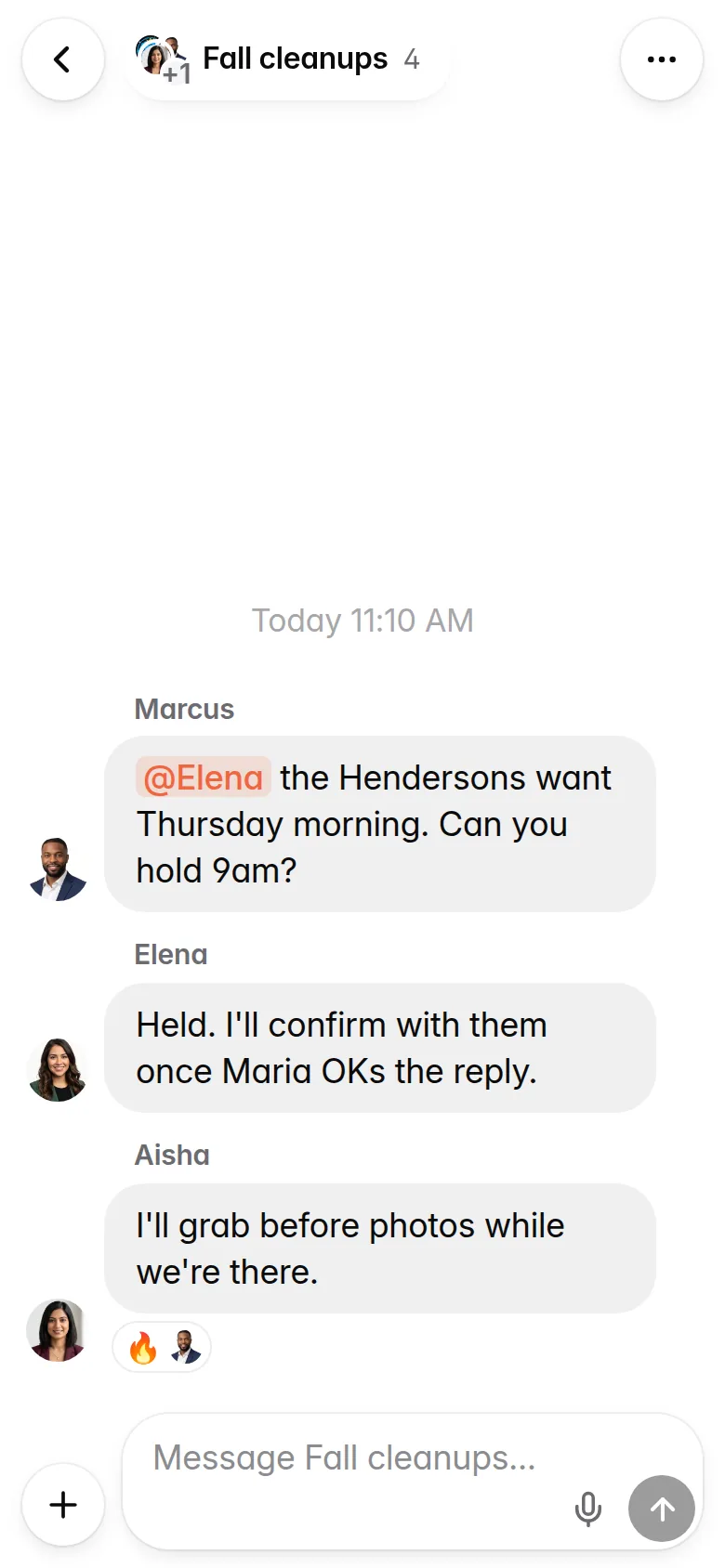
On your phone too
Included. No app store. You add it from your PC: scan the code and tap Install.
How it worksInstall ZOOGABOOG! on your PC first. Then, on your PC, open Settings › Phone, point your phone's camera at the code and follow the steps on your phone. Your PC needs to stay on.
Three steps on your PC
- Open the setup fileIt's in your Downloads folder. ZOOGABOOG! installs and opens on its own.
- Make your account and add your licenseTap Continue with ZOOGABOOG! (or type an email), pick a password for this PC, write down your 12-word recovery phrase, then paste the license key from your email. It starts with BP-. No key yet? Start your 7-day trial.
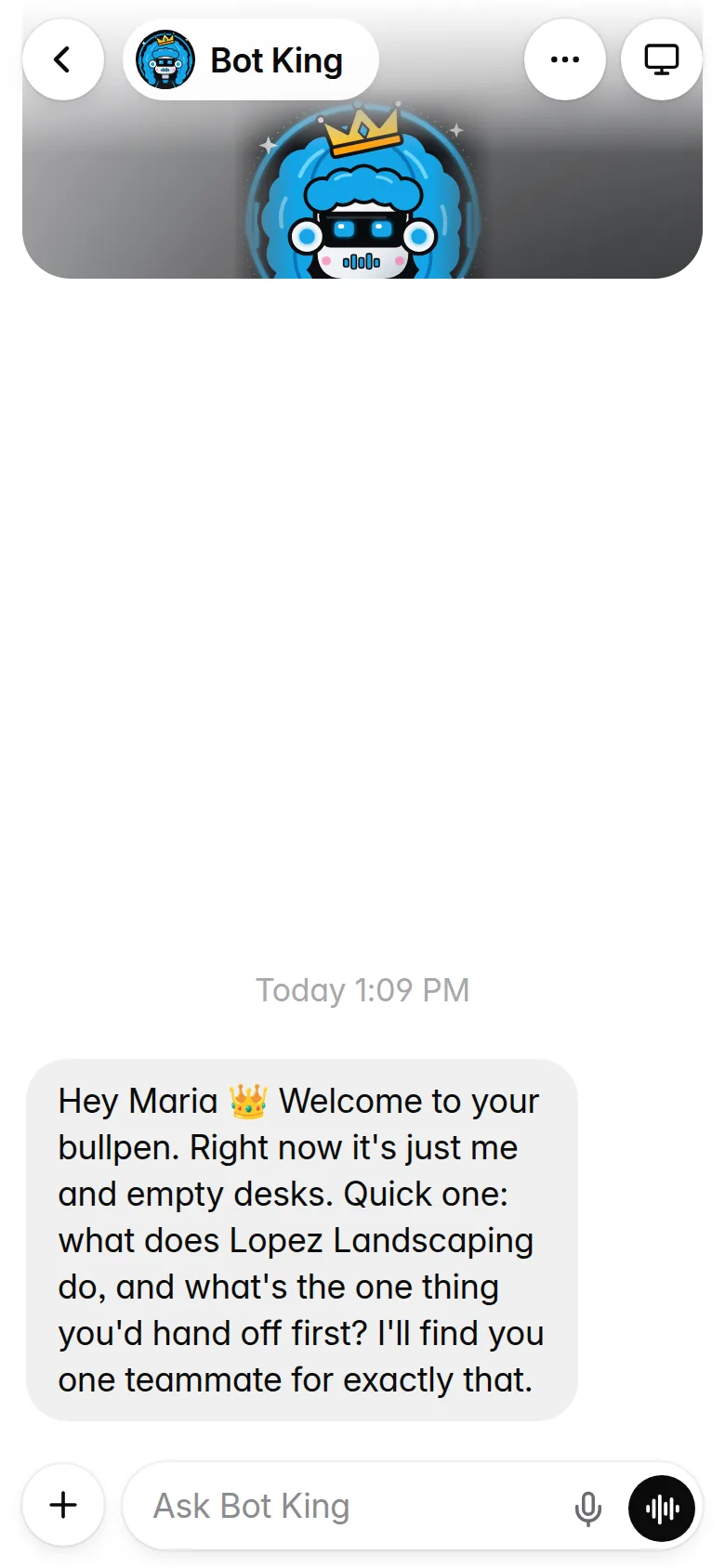
- Meet Bot KingTell him what your business does and what you want off your plate first. He finds your first teammate and grows the team from there.
Then add your phone
- Open Settings, then Phone, on your PCA code shows on the screen.
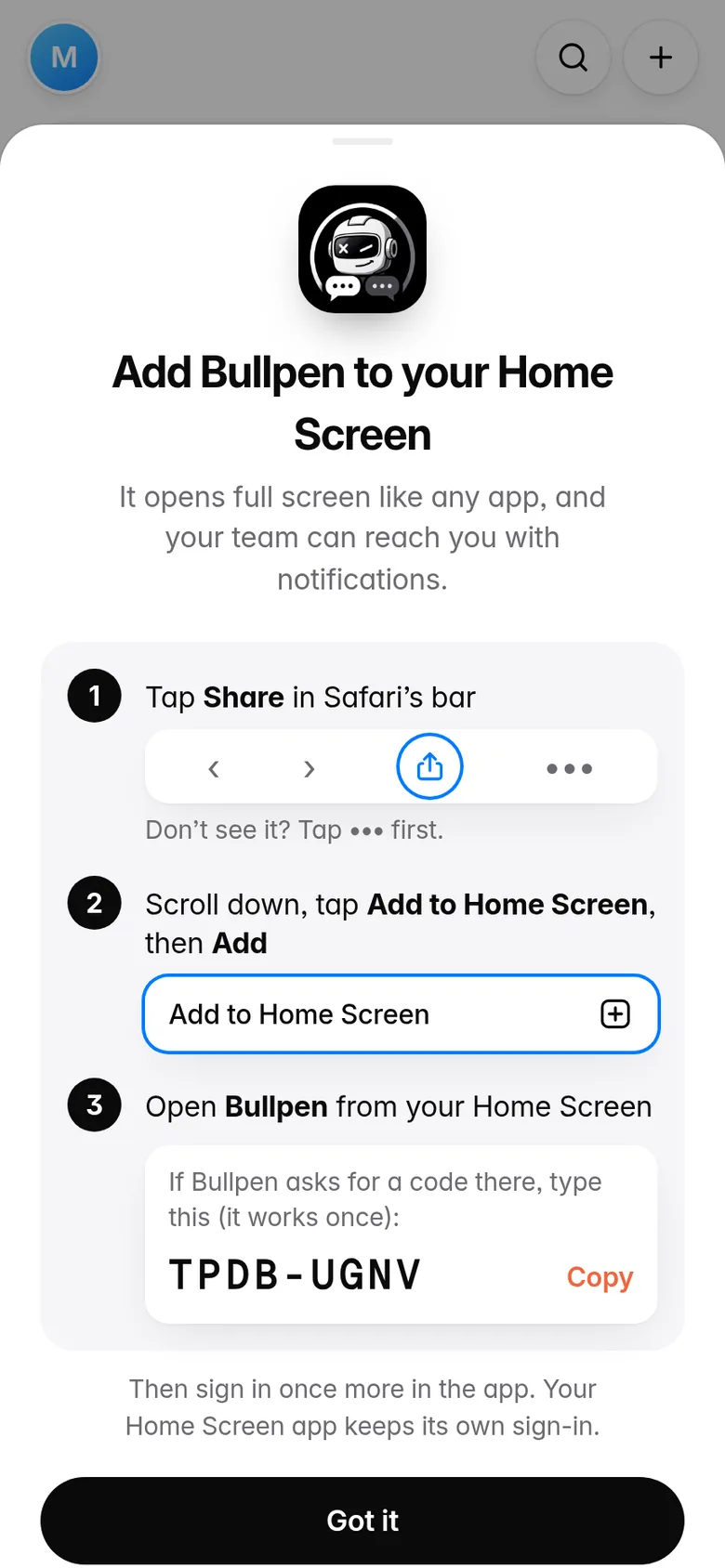
- Scan the code with your phone's cameraTap the ZOOGABOOG! link that pops up. iPhone or Android, no app store.
- Tap Install and sign inZOOGABOOG! shows you exactly what to tap on your phone. Then sign in with the same email and password. See the phone steps.
Stuck? Write to support@zoogaboog.com and a real person will help.